01
The idea
Data protection is more than a single backup job. Different systems, manual tasks and infrastructure states should be visible together.
SYSTEMS & INFRASTRUCTURE
See backups. Combine tasks. Detect risks earlier.
BackupPASSION brings different backup signals and manual backup tasks into one monitoring logic. Monitored systems, Time Machine targets, NAS availability and imported backup messages can be evaluated centrally.
01
Data protection is more than a single backup job. Different systems, manual tasks and infrastructure states should be visible together.
02
Automated backups, recurring manual tasks, NAS availability and additional backup signals provide separate states. Without consolidation, a quick overall view is missing.
03
BackupPASSION collects existing status information, evaluates it with a shared green-yellow-red logic and combines automated and manual backup areas in one monitoring view.
REAL CAPABILITIES
The public project page describes only functions present in the supplied backup monitoring code.
Current status, latest backup time and technical result data such as message, duration and size.
Central status evaluation of multiple Time Machine targets using green, yellow and red states.
Recurring backup tasks can be tracked as open or confirmed and logged.
The latest reachability status of configured backup NAS systems is included.
Imported backup messages can contribute detected source, system and received time to monitoring.
UNIFIED STATUS
System states and open tasks are combined into understandable status information.
MANUAL BACKUP TASKS
BackupPASSION manages recurring manual tasks in addition to automatically monitored systems.
Manual backup tasks are managed with status and due-date context.
An open task can be confirmed inside the protected application.
Confirmation, executing identifier and timestamp are stored.
The existing logic reassesses recurring tasks according to the defined weekly cycle.
CONTEXT-AWARE MONITORING
The existing code can combine Time Machine targets with authorized information from additional data sources. Publicly we show only this general capability, not the concrete internal source or mapping logic.
SHOWCASE VIEW
The public showcase visual demonstrates the principle of a central backup overview using neutralized data.
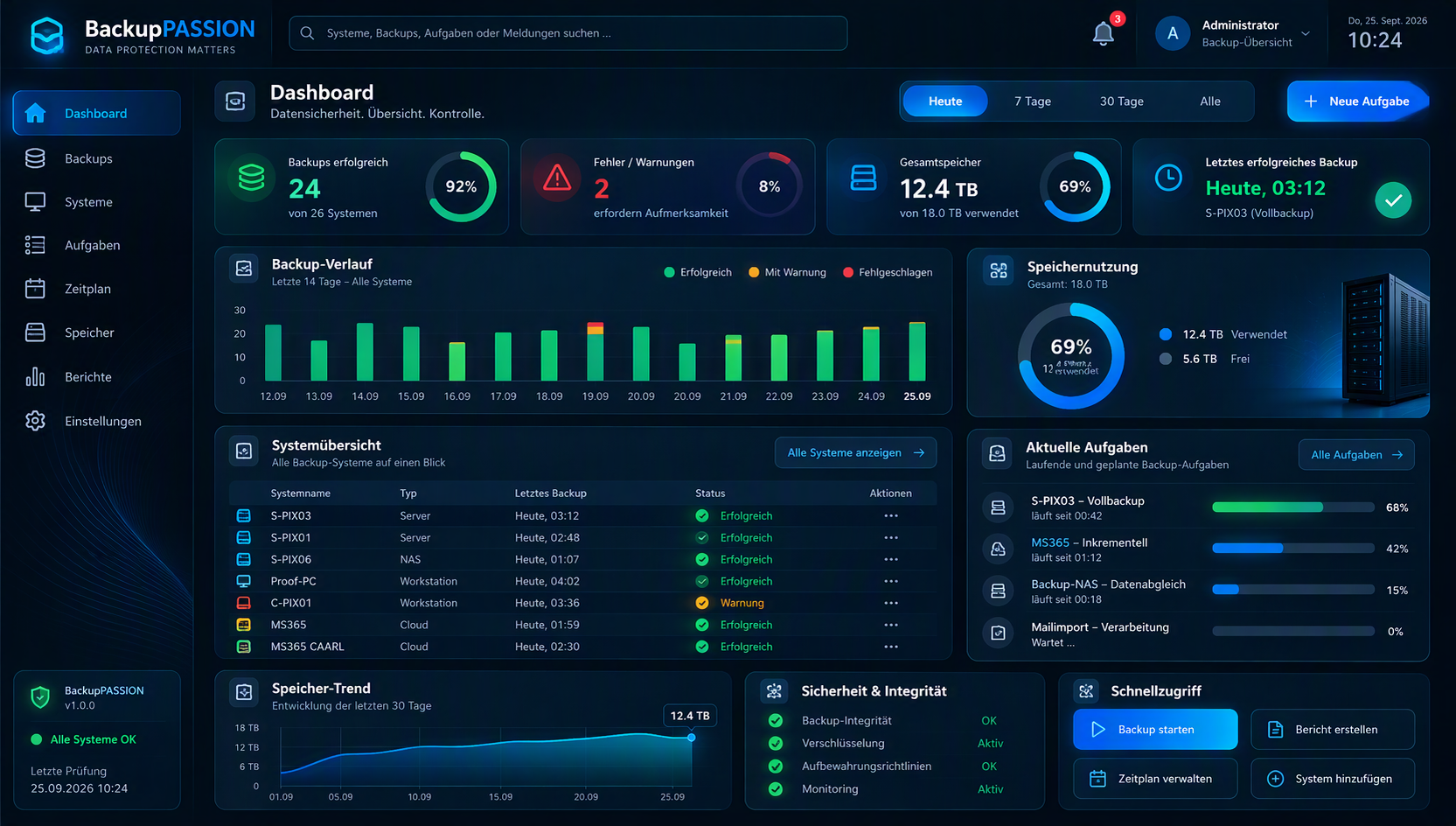
No real names, IP addresses, system identifiers or internal integration names are published.
PUBLIC SHOWCASE
The public presentation abstracts internal systems, user mappings, network addresses and concrete integrations. Only the general monitoring concept and neutralized product visuals are shown.